[Trix] Grimgar: Ashes and Illusions S01+OVA (Batch) [BDRip 1080p AV1 Opus] (Dual Audio, Multi Subs, VOSTFR) | Hai to Gensou no Grimgar 灰と幻想のグリムガル Season S1 OAV Specials
- Date
- Submitter
- NekoTrix
- Category
- Anime – English-translated
- Size
- 3088.8 MiB
- Cached at
- Information
- @nekotrix on Discord
- ID
- 2070170
- Info hash
167d1eba56f6bddf9d0fff5cbccec837ebf82151
Main info:
[Trix]-> that’s me (@nekotrix), joinAV1 weeb edition
Grimgar: Ashes and Illusions-> anime title, info onAniDB,
MyAnimeList,
AniList
S01-> season number, followingTheTVDB’s scheme
Batch-> contains the complete seasonBDRip-> encode from a BD source (here Beatrice-Raws via Datte13)
1080p-> video resolution (1920x1080 @ 23.976 FPS)
AV1-> 📺 video format (Main + 4:2:0 + 10-bit = hardware friendly)
Opus-> 🔊 audio format (Stereo 2.0 @ 128kbps)Dual Audio-> 🔊 multiple audio tracks: Japanese 🇯🇵 & English 🇺🇸
Multi Subs-> 📄 multiple subtitles tracks including: English (Full) [Hiryuu/Kametsu], English (Forced) [Hiryuu/Kametsu], French [Fuceo]*, Portuguese (Brazil) [EA], Italian [OwariSubs], Spanish (Latin) [Ari-M] (*except in OVA…)
VOSTFR-> keyword to denote the presence of french subtitles
Misc info:
Full Sources: Datte13 (Video, Audio, Subs, Chapters), Fuceo (Subs), EA (Subs), OwariSubs (Subs), Ari-M (Subs)
Encoding details:
- Encoder: SVT-AV1-Tritium v3.1.2 (based on SVT-AV1-Essential) via Termux:
--preset 2 --crf 29 - Command Line Used:
for file in *.mkv; do SvtAv1EncApp -i "$file" --progress 2 --preset 2 --crf 29 --tune 0 --film-grain 6 --min-keyint 33 --keyint 193 --scm 0 --alt-lambda-factors 0 --noise-norm-strength 0 --adaptive-film-grain 0 --enable-tf 0 --enable-qm 1 --qm-min 8 --chroma-qm-min 12 --noise-adaptive-filtering 4 --ac-bias 1.0 --tx-bias 3 --complex-hvs 1 --hbd-mds 1 --variance-boost-strength 2 --variance-octile 7 --luminance-qp-bias 15 --fast-decode 2 --enable-dlf 3 --color-primaries bt709 --transfer-characteristics bt709 --matrix-coefficients bt709 -b "${file%.*}.ivf"; done
Note: Finally the 1080p version of my former 2023 release! Now with more up-to-date tools, and more track languages!
Tired of VLC acting up with Opus audio, with subtitles, with color rendition? We recommend the MPV media player for the best playback experience (TheWiki Guide). Always keep your software up-to-date!
Direct Download Link: Episodes DDL, attachments download & more on AnimeTosho
Language Options
You can download here two scripts that do the following (Windows/macOS-Linux):
- Keep Japanese: Throws out all audio tracks other than Japanese
- Keep English: Throws out all audio and subtitles tracks other than English
Put all the video files into the Language Options folder and run the corresponding script. The resulting files can be found in the output folder.
Note: MKVToolNix must be installed on your system
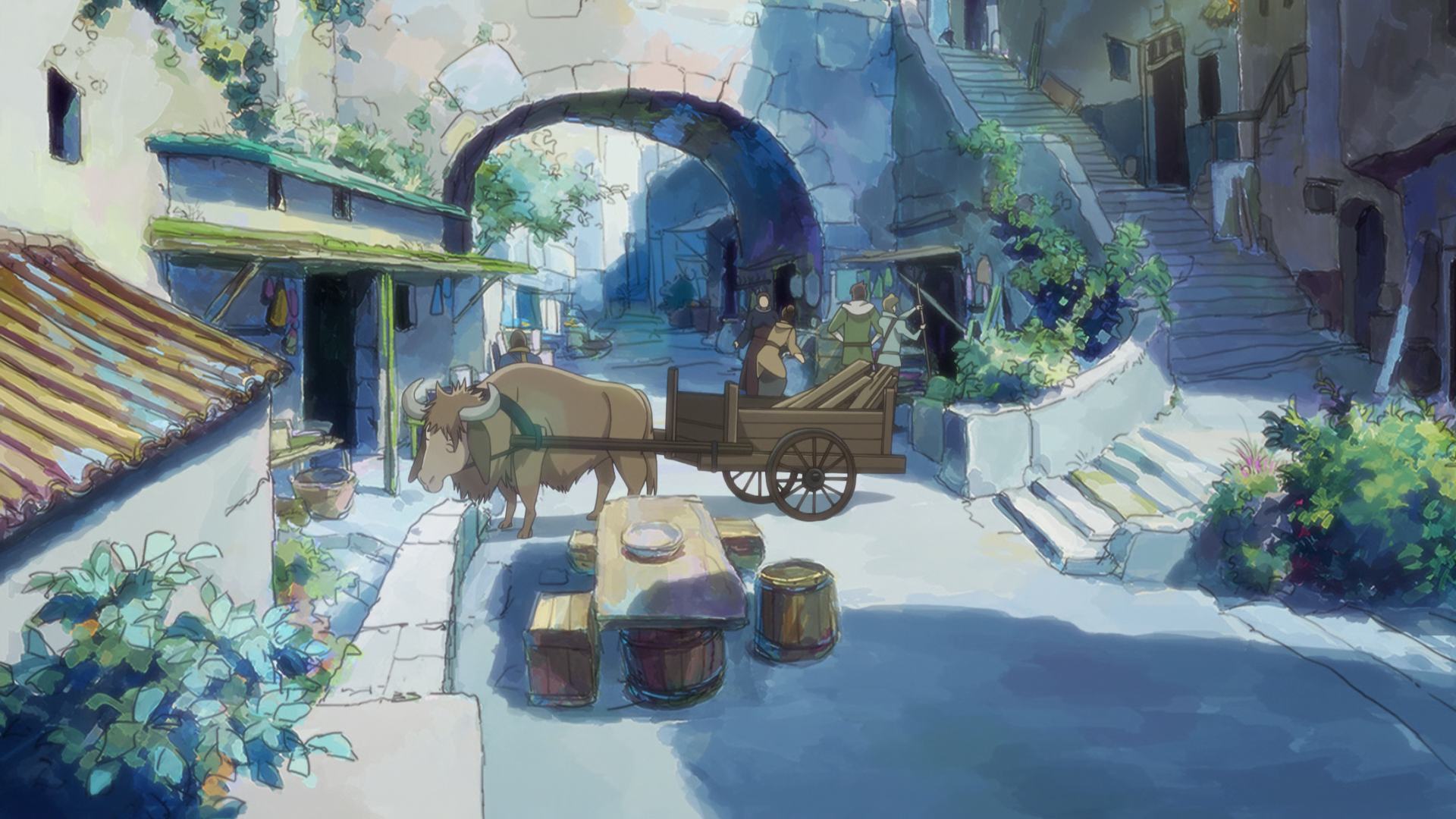
Screenshots: